Challenges faced
In an AI-accelerated world, leaning solely on traditional Figma workflows started to feel like running with the handbrake on. Every new prototype meant wrestling with a mountain of manual variables, duplicated screens, and the same tedious adjustments for every tiny edge case.
Even when the foundation was there, any alternate scenario forced me to build new variations from scratch. It was a slow, fragmented grind that just couldn't scale with complex flows. Responsiveness only added to the weight—designing separate layouts manually still didn’t give me a real sense of how the product would actually feel in the wild. The gap between a static frame and a living product was just too wide.
As the system grew, things got messy. I found myself spending more time "maintaining" the prototype than actually testing new ideas. Not every scenario got the attention it deserved because the iteration cycles were stretching so long. Prototyping had shifted from a space for exploration into a chore of production work.
It all pointed to one core problem: the design system looked great visually, but it wasn't built to move at the speed of real, interactive prototyping.
Solution
The breakthrough happened when I realized I could stop treating Figma as the finish line and start using it as the blueprint for a live component library inside Cursor. I’d seen teams starting to "operationalize" their design assets through AI, and I wondered if that same shift could finally kill the prototyping bottlenecks I was facing.
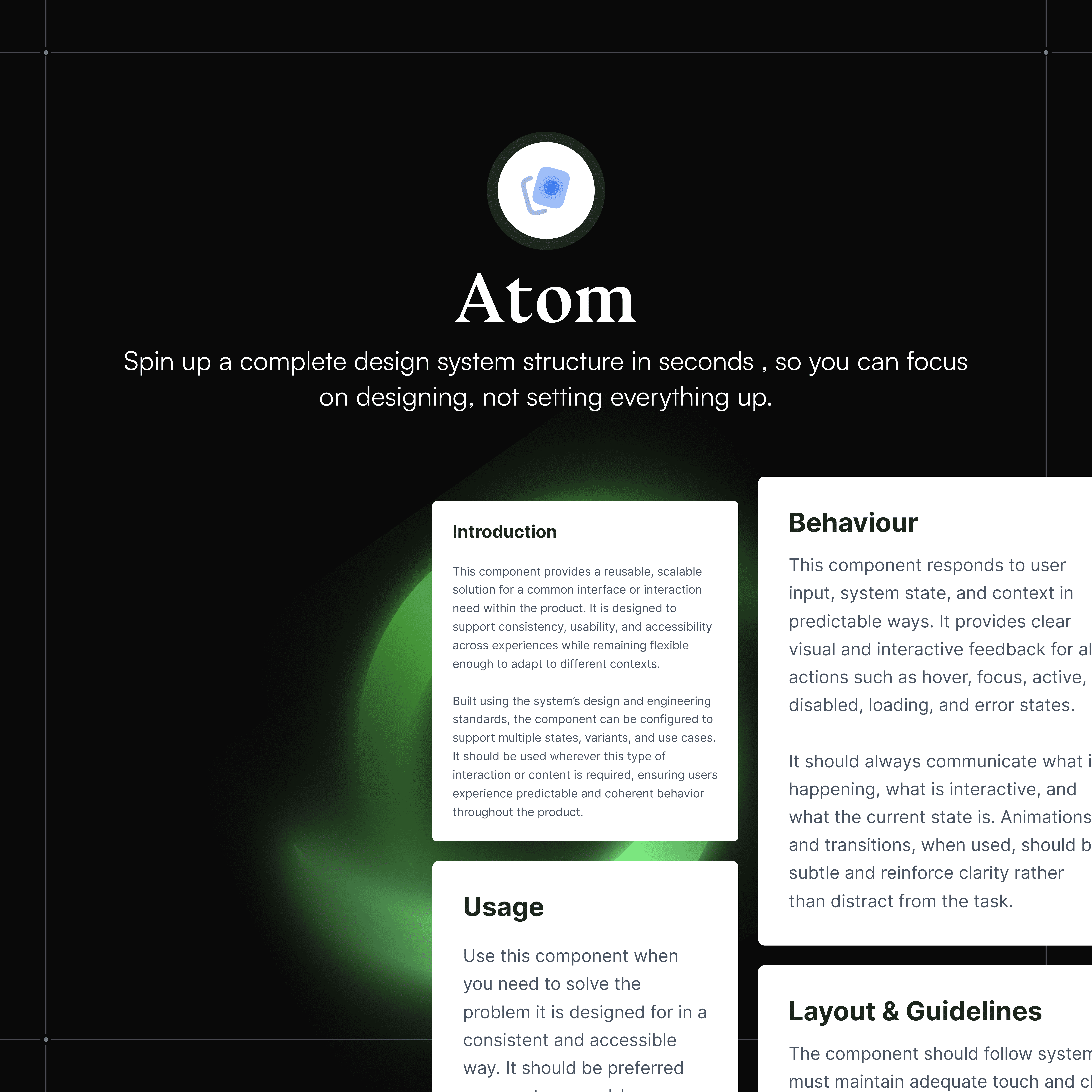
Instead of leaving the design system to sit there as a static reference, I turned it into a functional foundation. I fed the components and their logic into Cursor, teaching the AI to see the system as a set of reusable building blocks rather than just a collection of visual screens.
This changed everything. Prototyping went from a manual "click-and-drag" grind to prompt-driven assembly. Suddenly, I could just describe what I needed, and the components would snap together, adjust for edge cases, or flip into responsive modes instantly. I wasn't duplicating screens anymore; I was orchestrating an experience.
What used to take hours of manual variable tweaking and layout work in Figma could now be explored through a simple conversation with the code. The design system finally stopped being a piece of documentation and became a piece of infrastructure, allowing me to experiment at high speed without ever having to rebuild the UI from scratch.
Ideation & Research
To truly understand how to bridge the gap between static pixels and a living product, I started digging into how the most forward-thinking teams were using AI to make their workflows actually move. A massive turning point for me was discovering the work of Hardik Pandya. His insights on "Vibe Prototyping" completely flipped my perspective on what a design system could actually do. I stopped thinking about "designing screens" and started thinking about "enabling systems."
I went down the rabbit hole of his methodology, realizing that if I spent a little time upfront documenting my Figma system's logic, defining the names, structures, and relationships, I could feed that taxonomy into Cursor. This shift meant the AI wasn't just "guessing" what to build; it finally understood the system as a set of reusable building blocks. Hardik’s philosophy showed me that prototyping could move away from the manual "click-and-drag" grind and toward a prompt-driven assembly where I could simply describe an experience and watch the components orchestrate themselves.
Inspired by the blueprint used by teams at places like Atlassian and Shopify, I stopped just "drawing" and started "building the engine." I learned that a prototype only feels real when it’s powered by actual data and dynamic states rather than static frames. This research became the North Star for the project, allowing me to transform my Figma files into a working, executable library that handles real-time, AI-assisted prototyping without ever having to rebuild the UI from scratch.
My building process
What started as an experiment eventually became a complete shift in how I think about building. In the beginning, I was just curious, translating Figma components into Cursor one by one to see if a visual system could actually function as code. Those early tests quickly turned into a much larger, structured effort to operationalize the entire design system from the ground up.
I spent a lot of time at the atomic level, carefully defining buttons, inputs, and spacing tokens as individual building blocks rather than finished screens. It was a phase that required a lot of patience and repetition, but it was the only way to lay a foundation that could actually scale. When I started applying this to company work, the process became even more intentional. It was a cycle of uploading, structuring, and validating, over and over again, until the environment finally "learned" exactly how the product was built.
Once the full library lived inside Cursor, the daily grind of design fundamentally changed. Since the visual decisions were already baked into the system, I stopped designing pages from scratch. Instead, the work became about orchestration. I would define the layout intent, the hierarchy, the templates, and the structural rules, and communicate that through prompts.
Suddenly, screens weren't being drawn anymore; they were being assembled. Interfaces started emerging from instructions rather than manual duplication. It was a total shift from manual composition to system-driven generation. I was no longer just a designer of screens, but a director of a system that already spoke the product's language, allowing me to explore edge cases and iterate in real time at a scale that traditional prototyping just can’t touch.
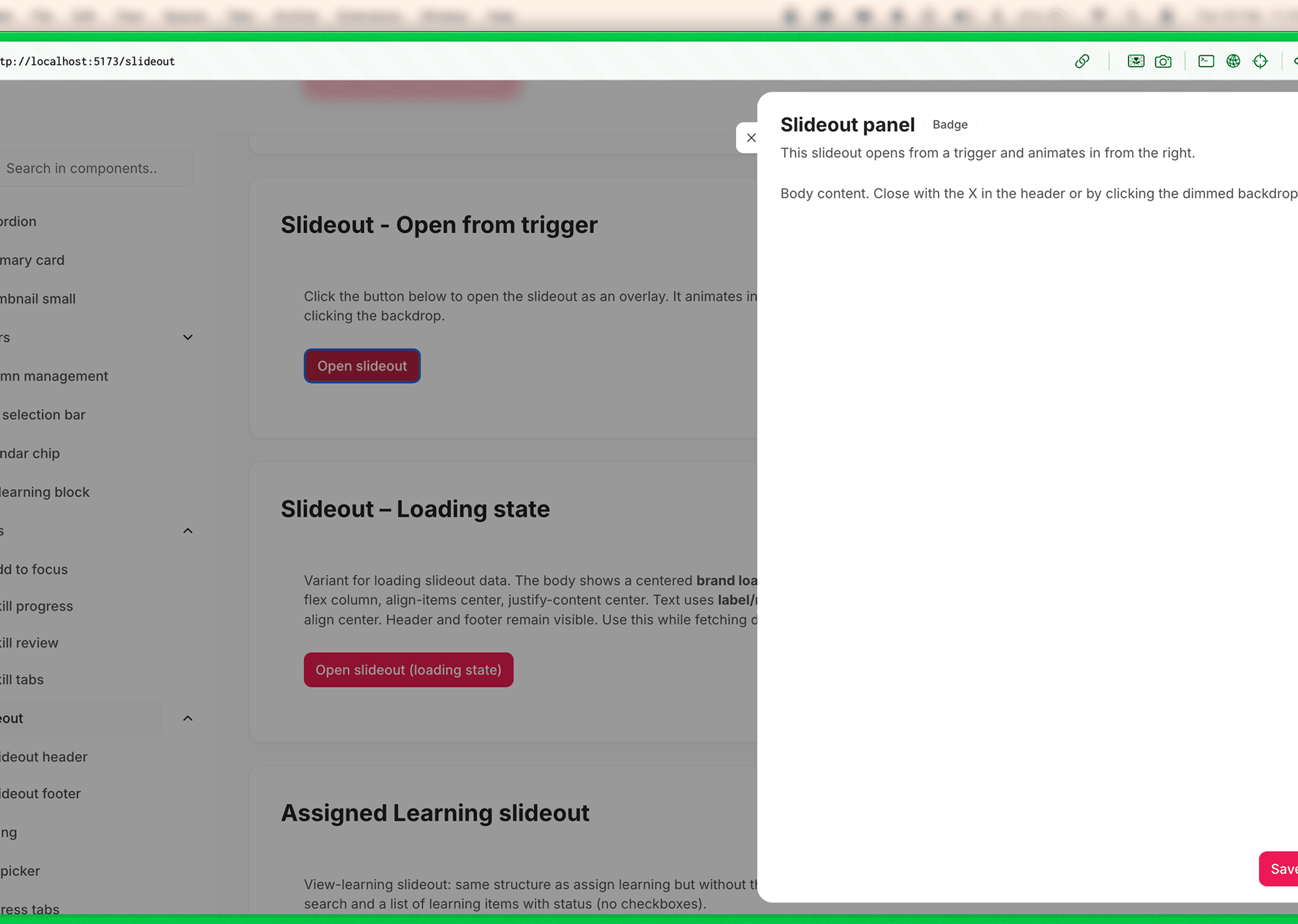
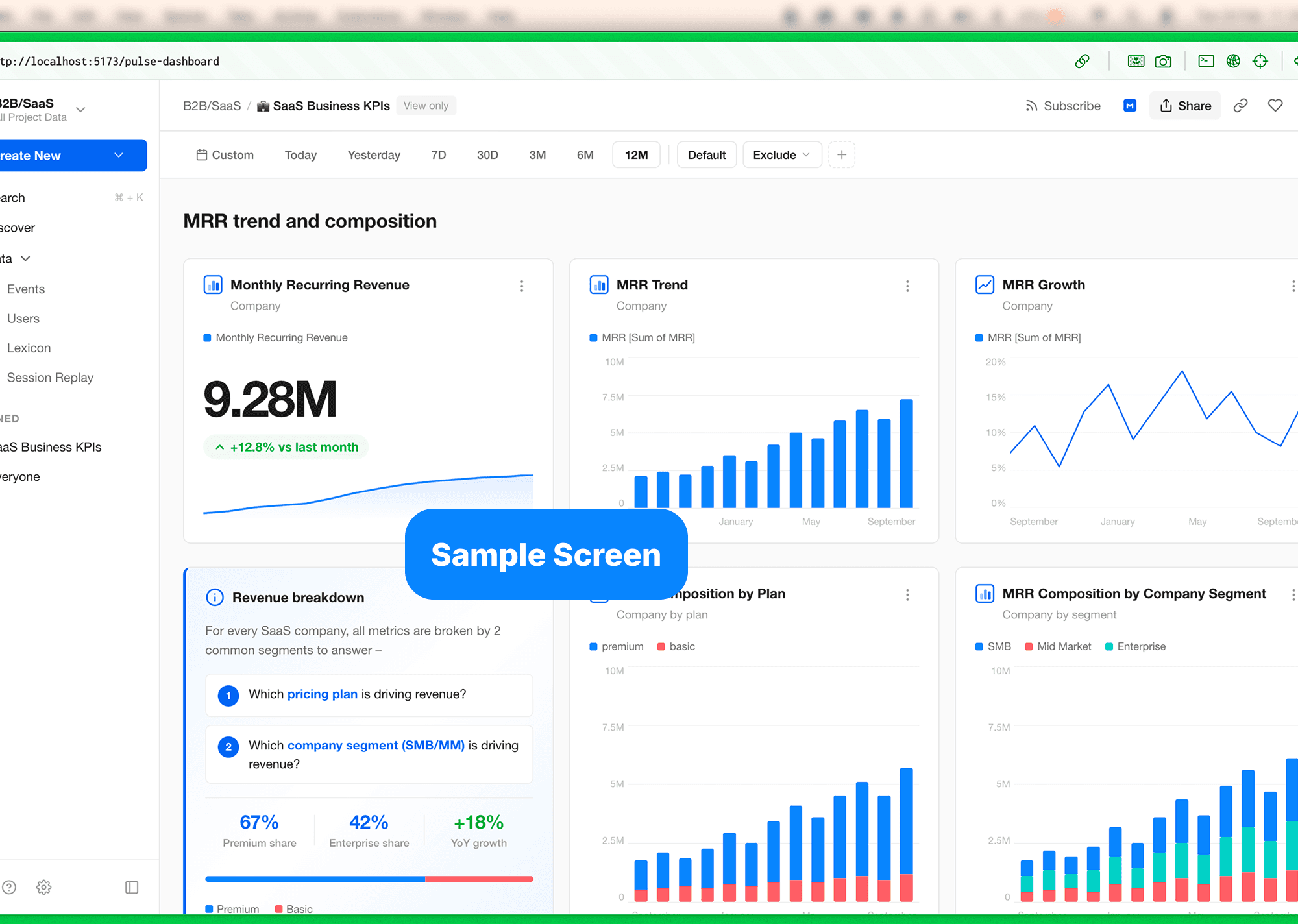
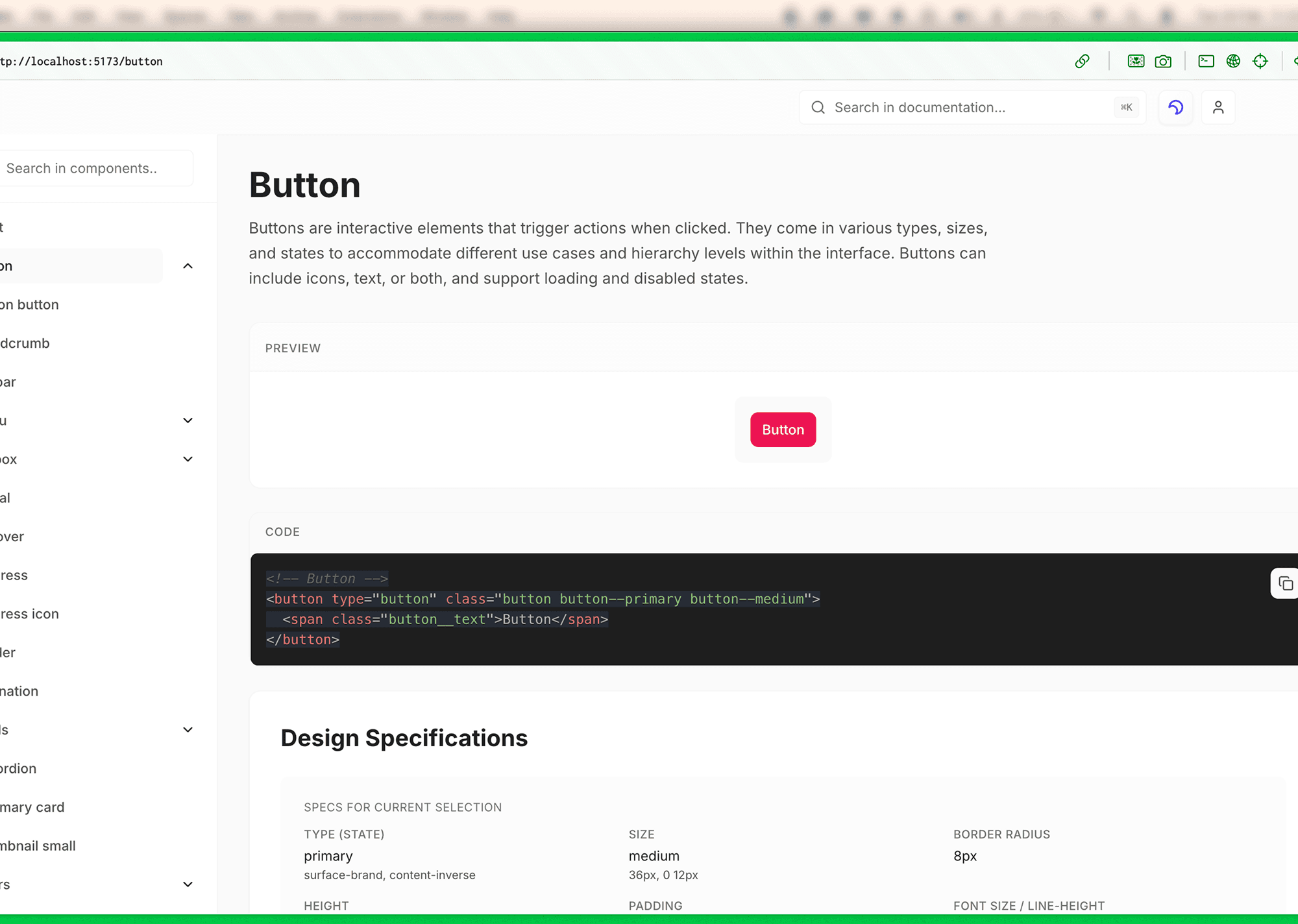
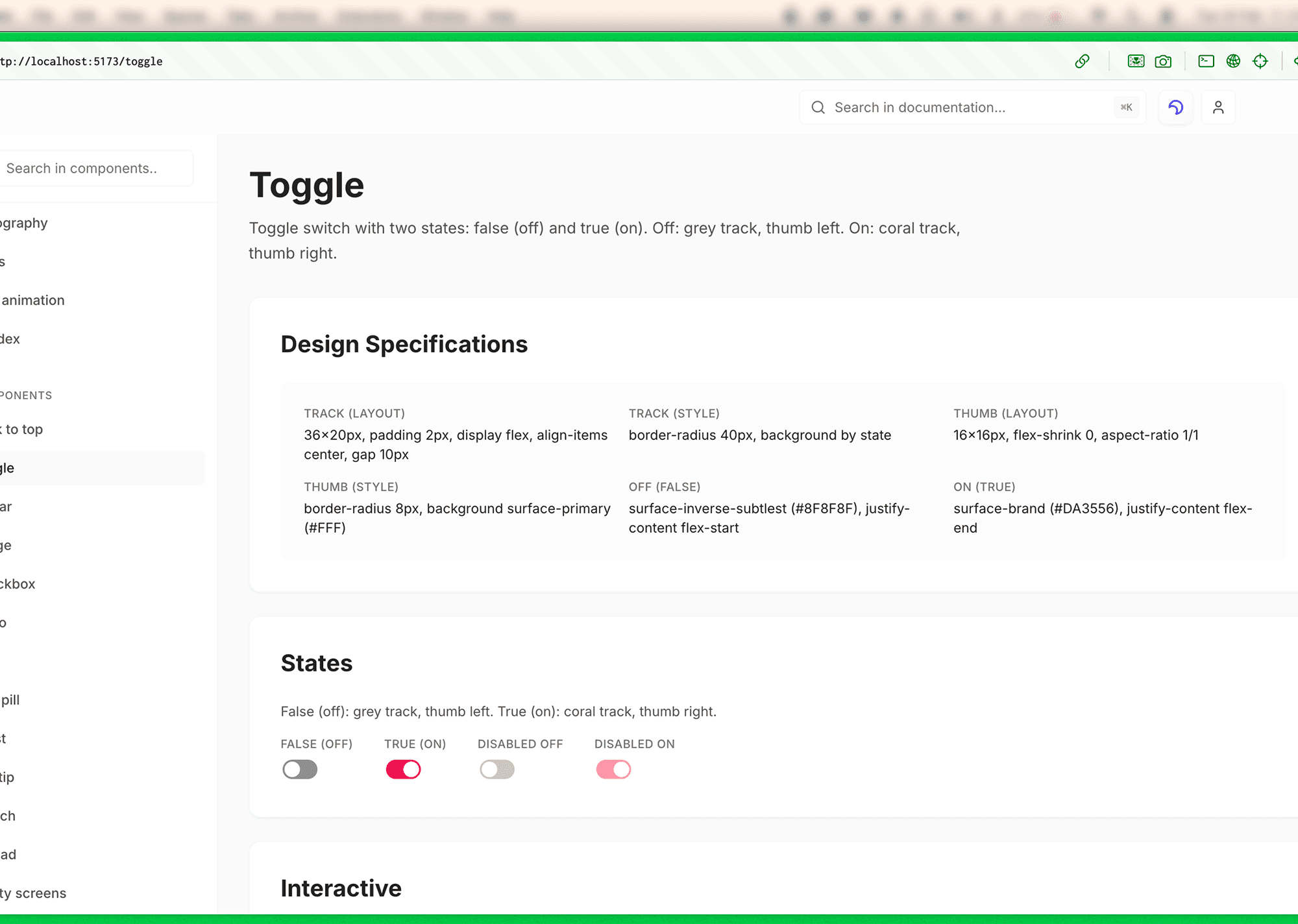
SAMPLE SCREENS
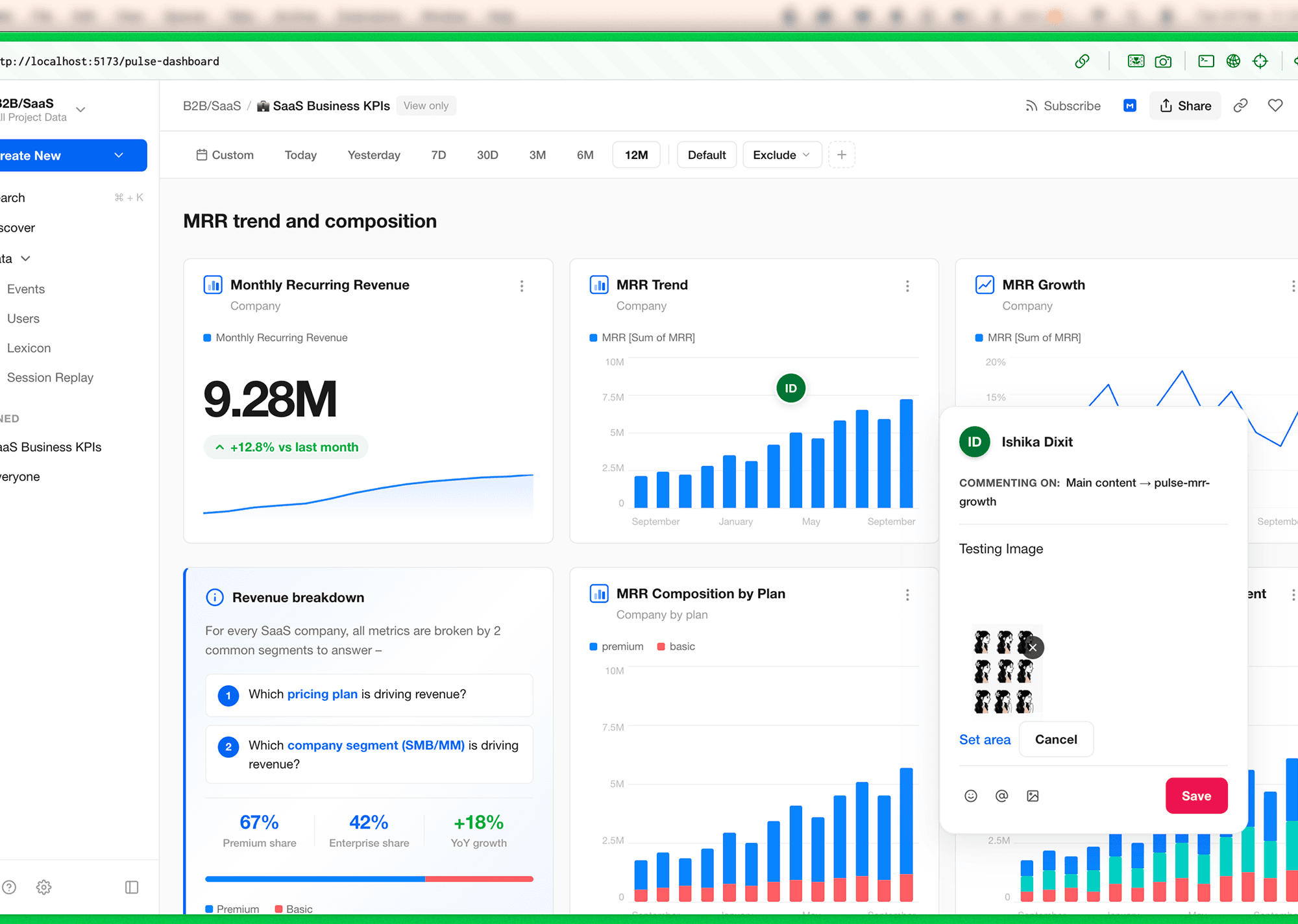
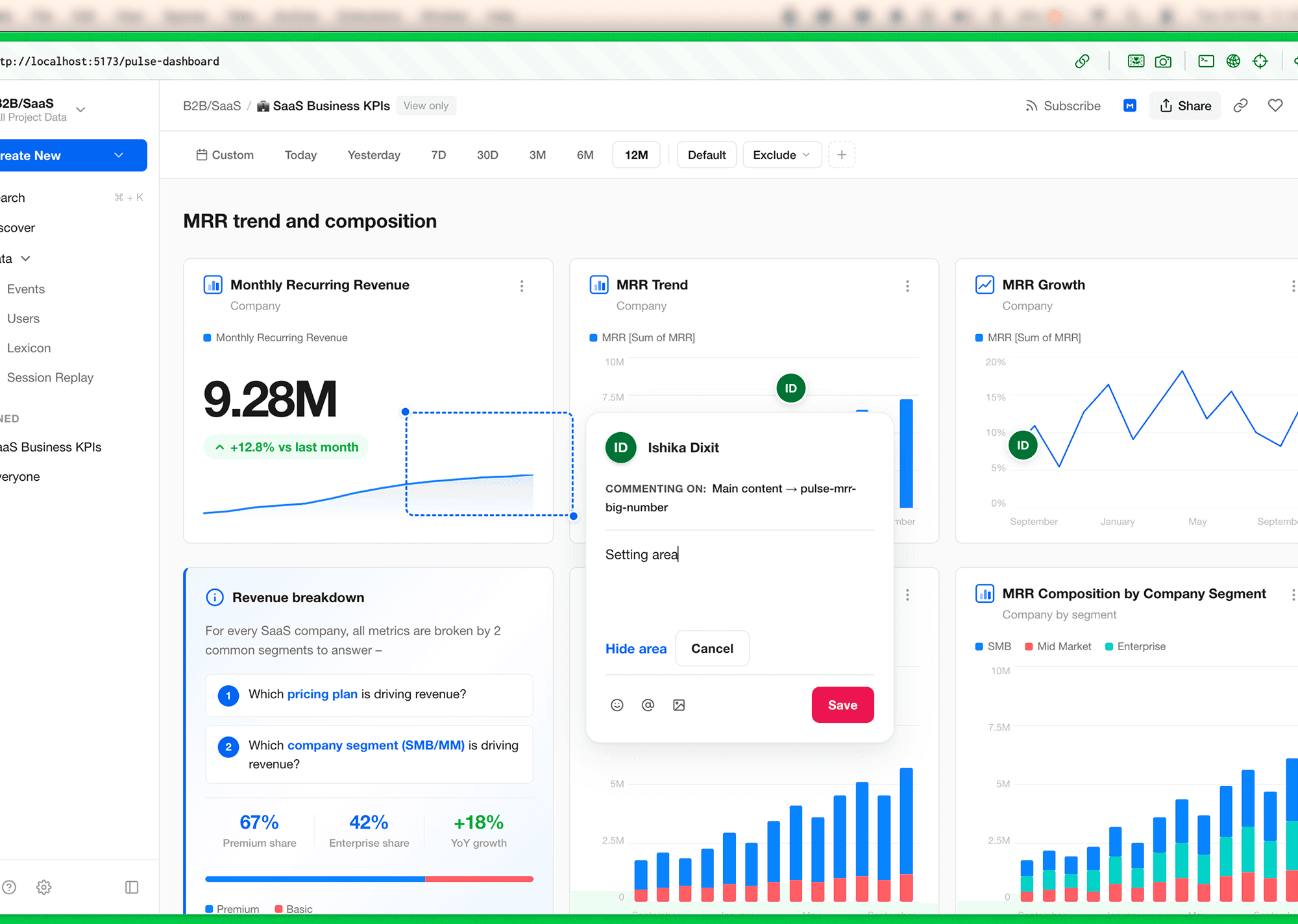
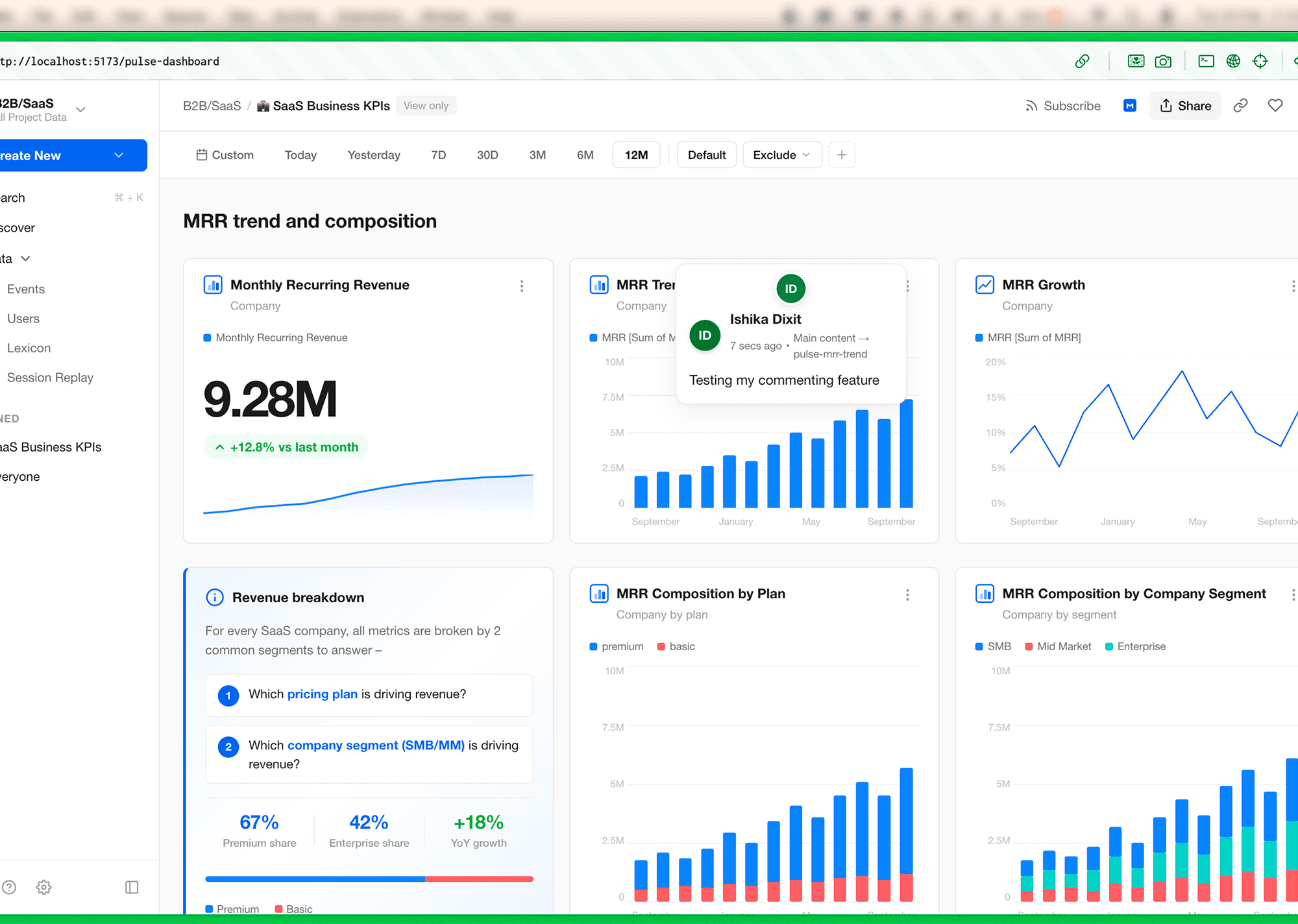
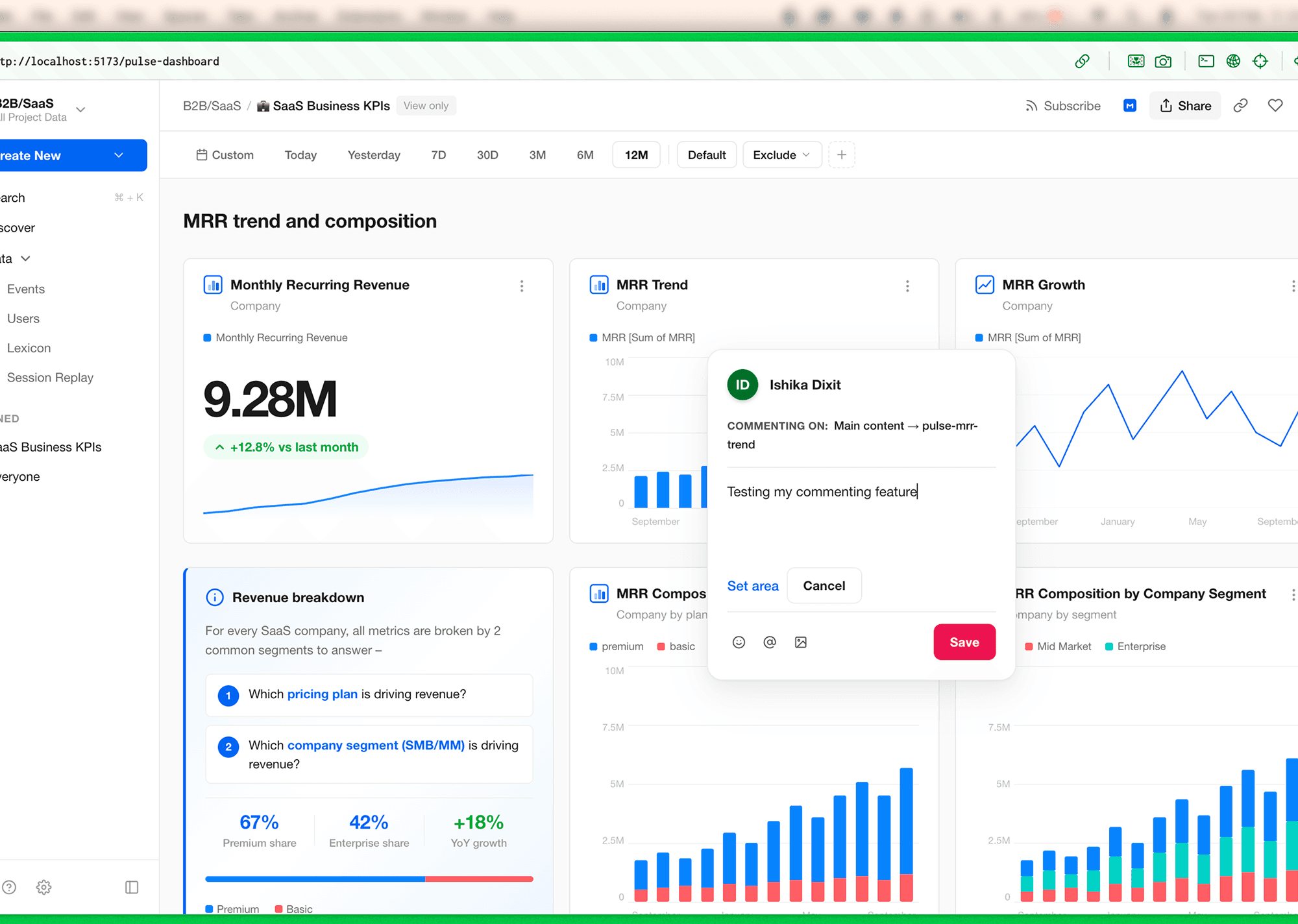
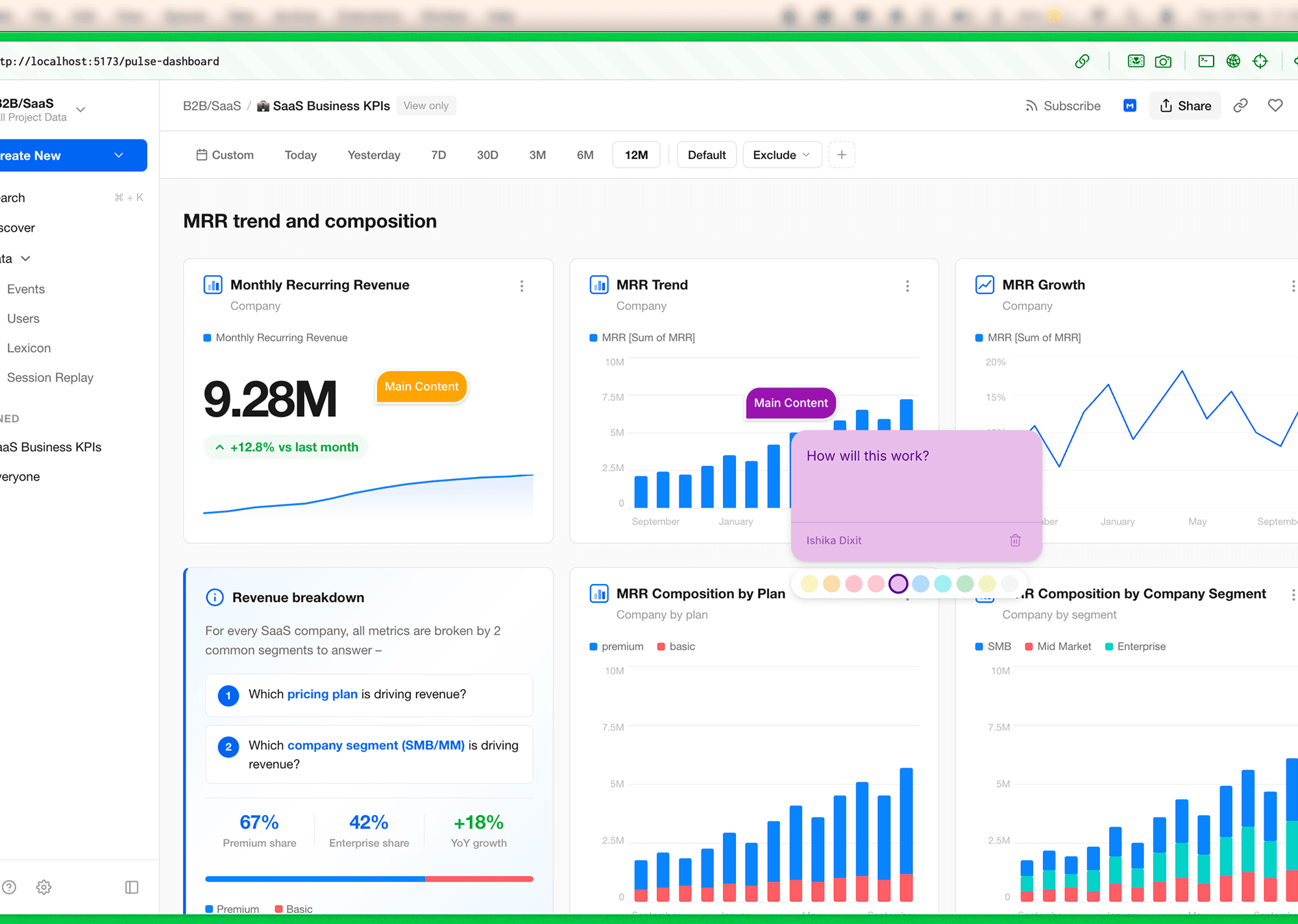
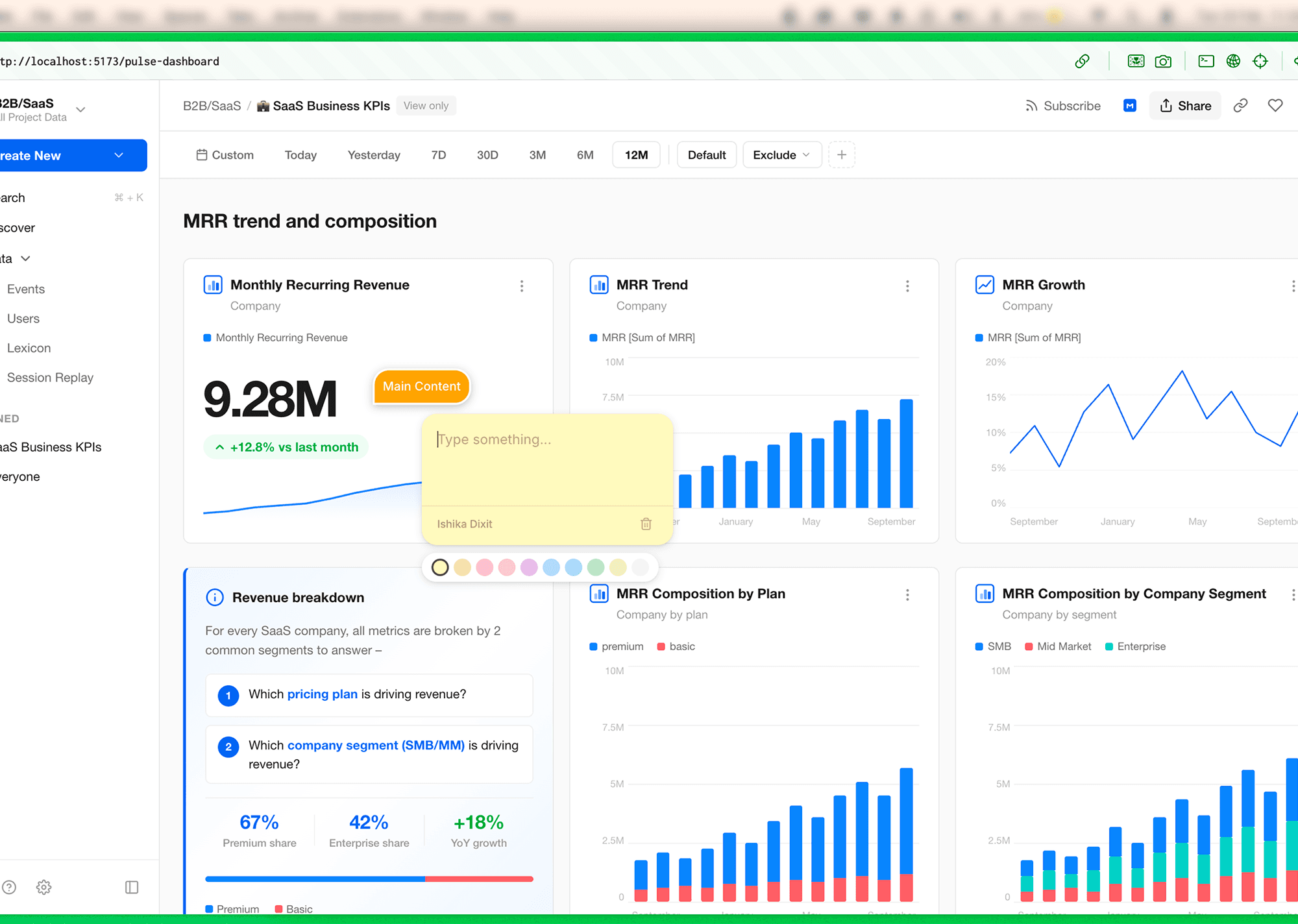
COMMENTING FEATURE
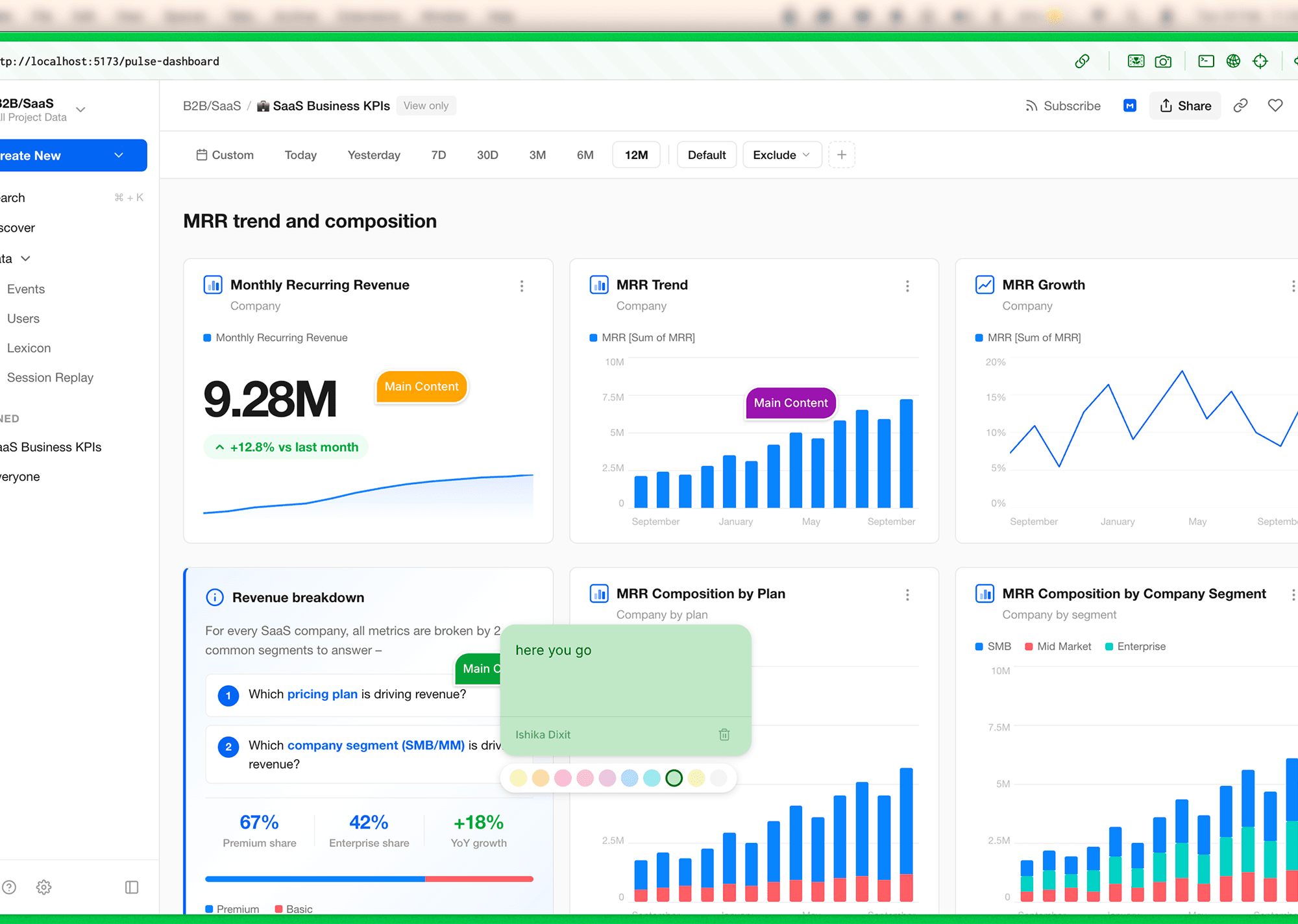
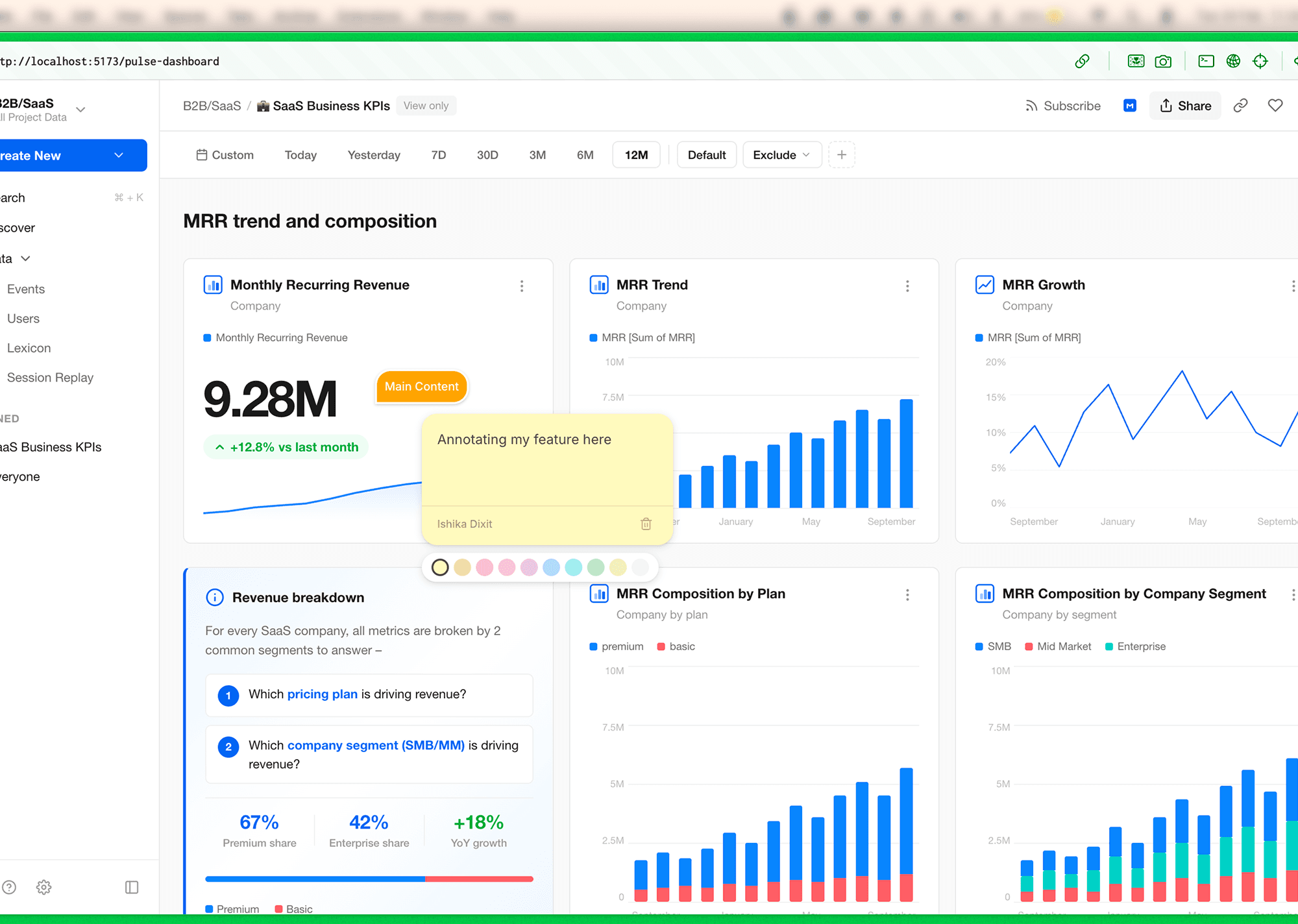
ANNOTATION FEATURE
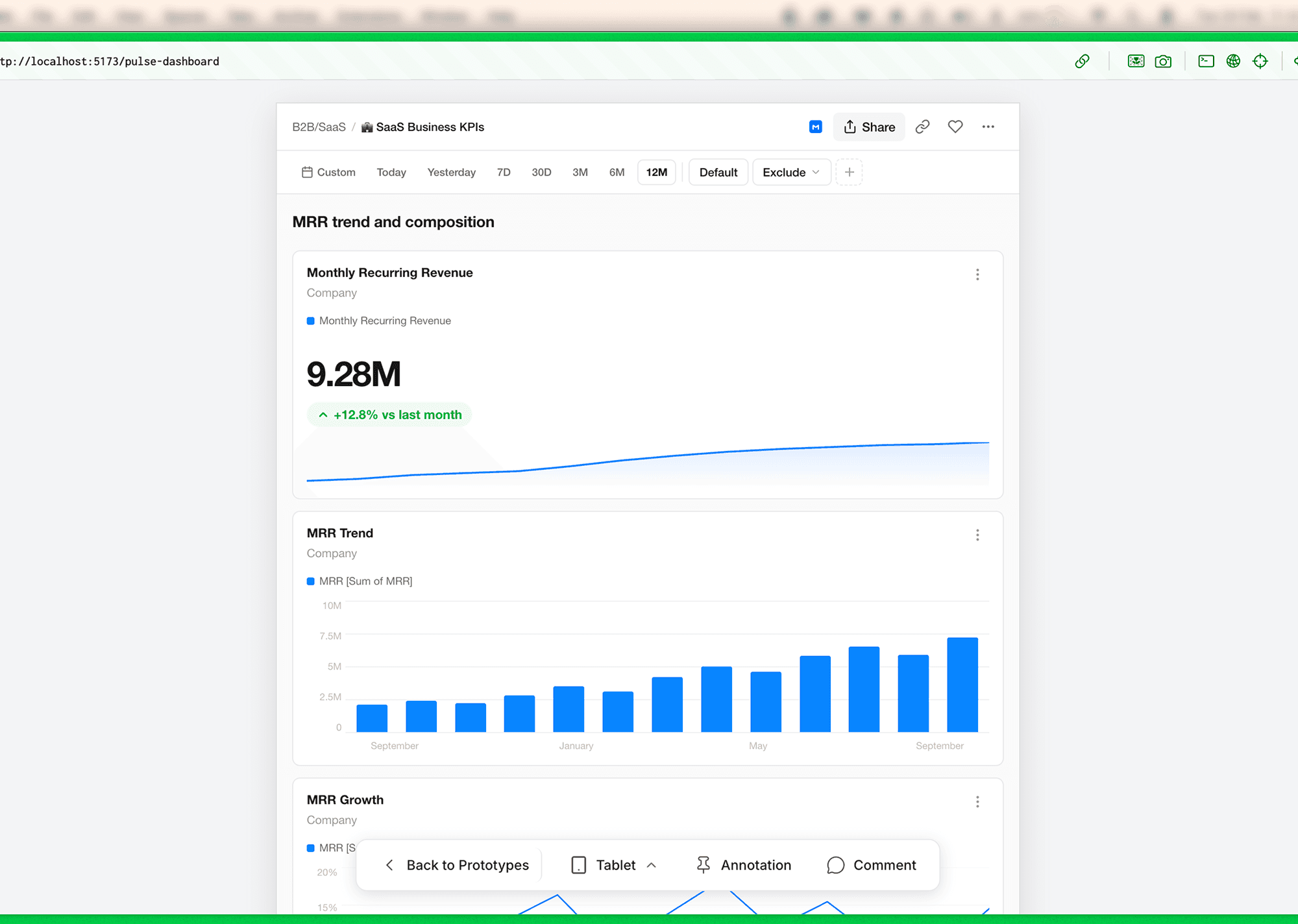
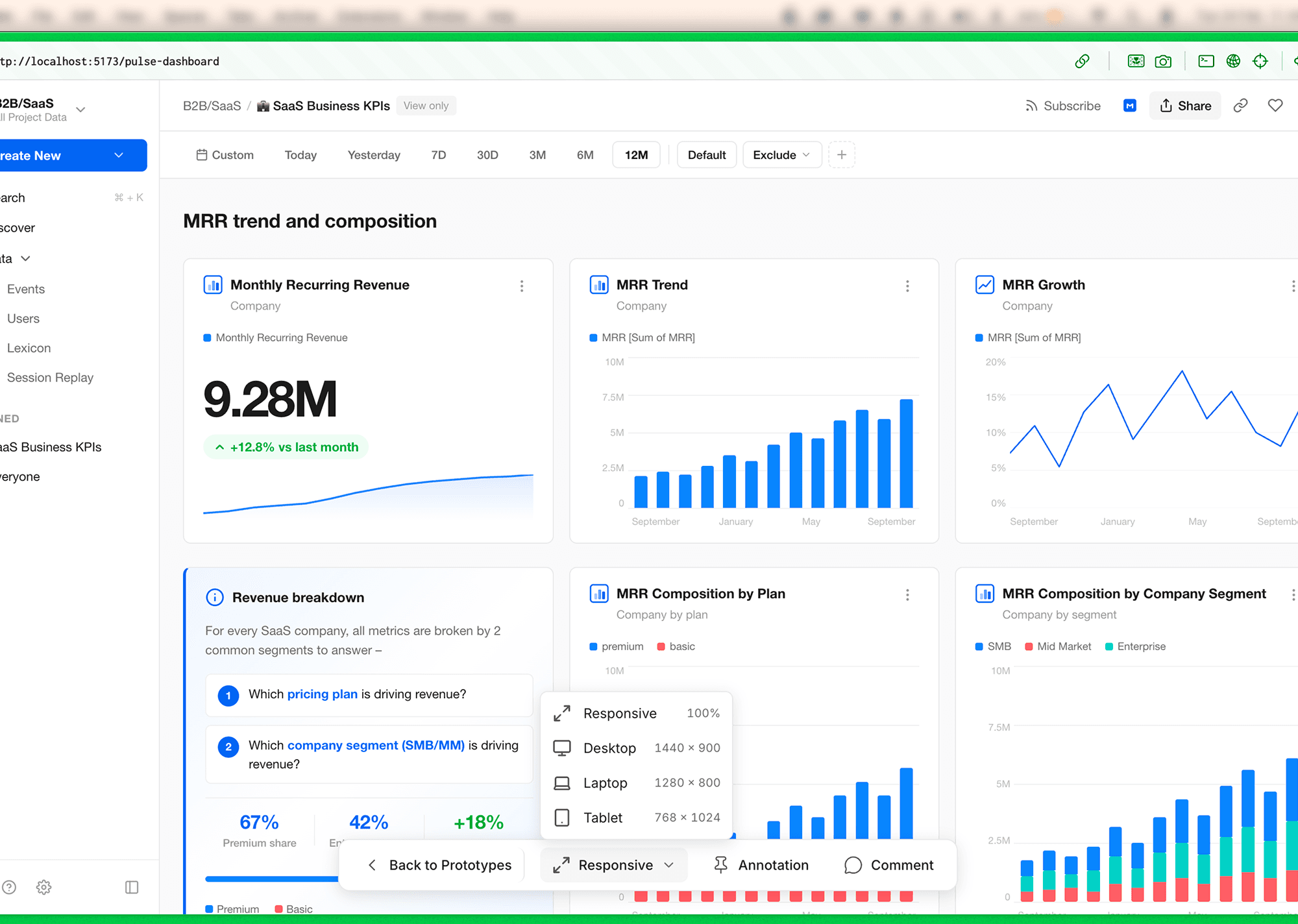
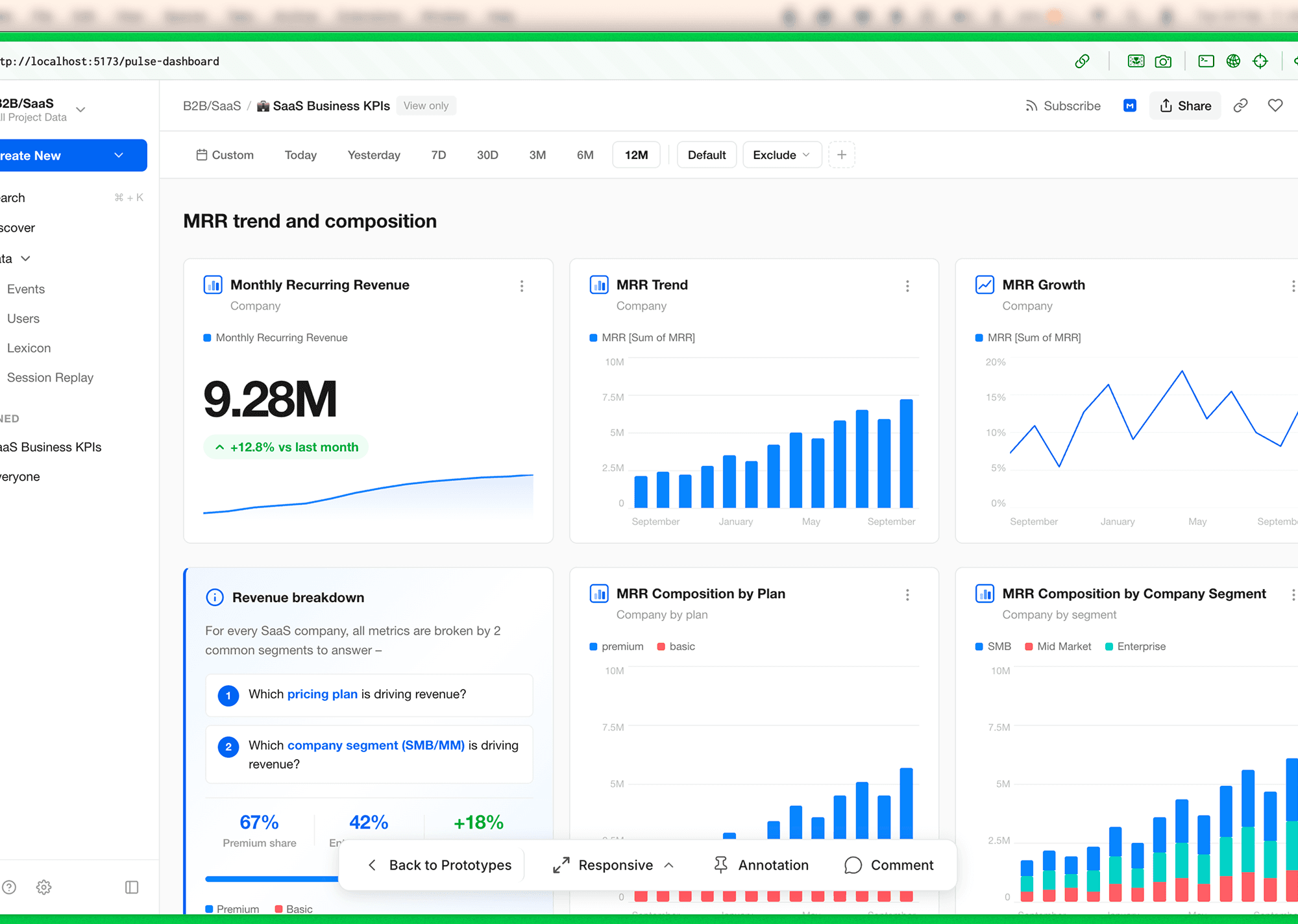
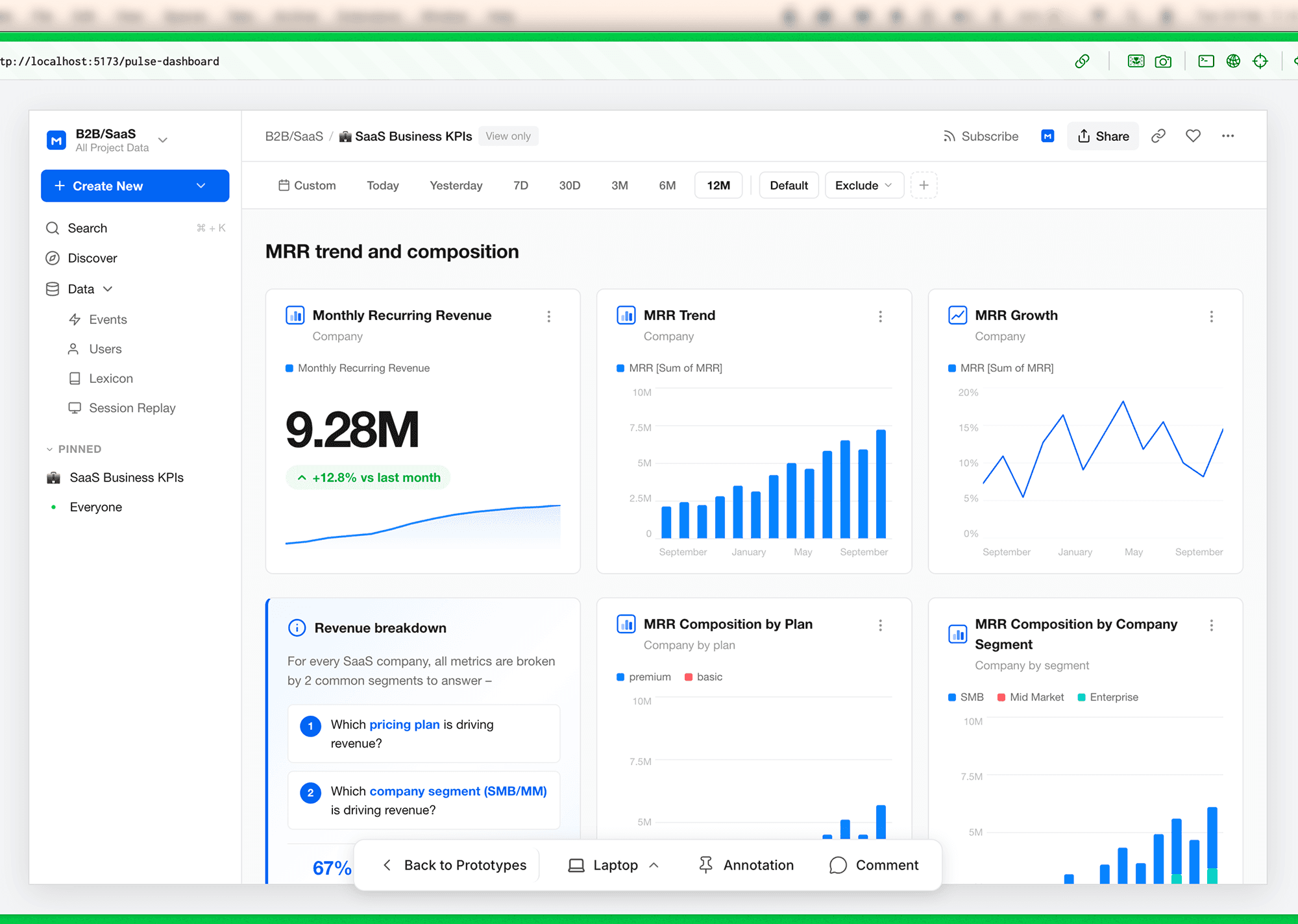
TOGGLE RESPONSIVESS
Credits
Closing Thoughts
Converting my Figma design system into a Cursor component library shifted my workflow from manual prototyping to system-driven creation. The upfront effort at the atomic level enabled faster iteration, better consistency, and real-time exploration without rebuilding screens.
More than a tooling change, this marked a mindset shift — from designing screens to designing systems that generate them.
WORK INVOLVED
Product Design
Design Systems
User Research
Artificial Intelligence
API integration
Tools
Figma
Claude Code
Cursor
team
Design
Ishika Dixit
Motion
Ishika Dixit
Research
Ishika Dixit
Writing
Ishika Dixit